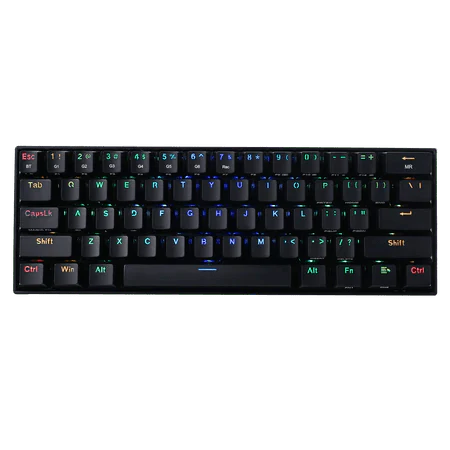
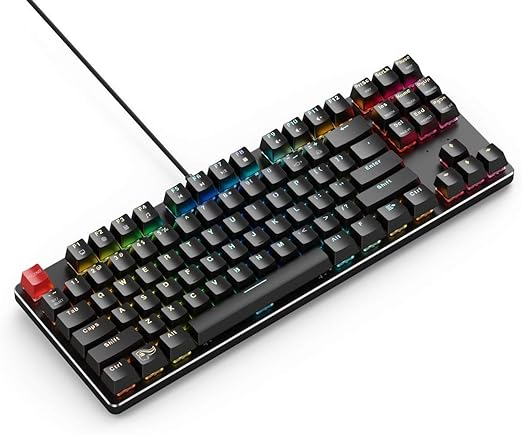
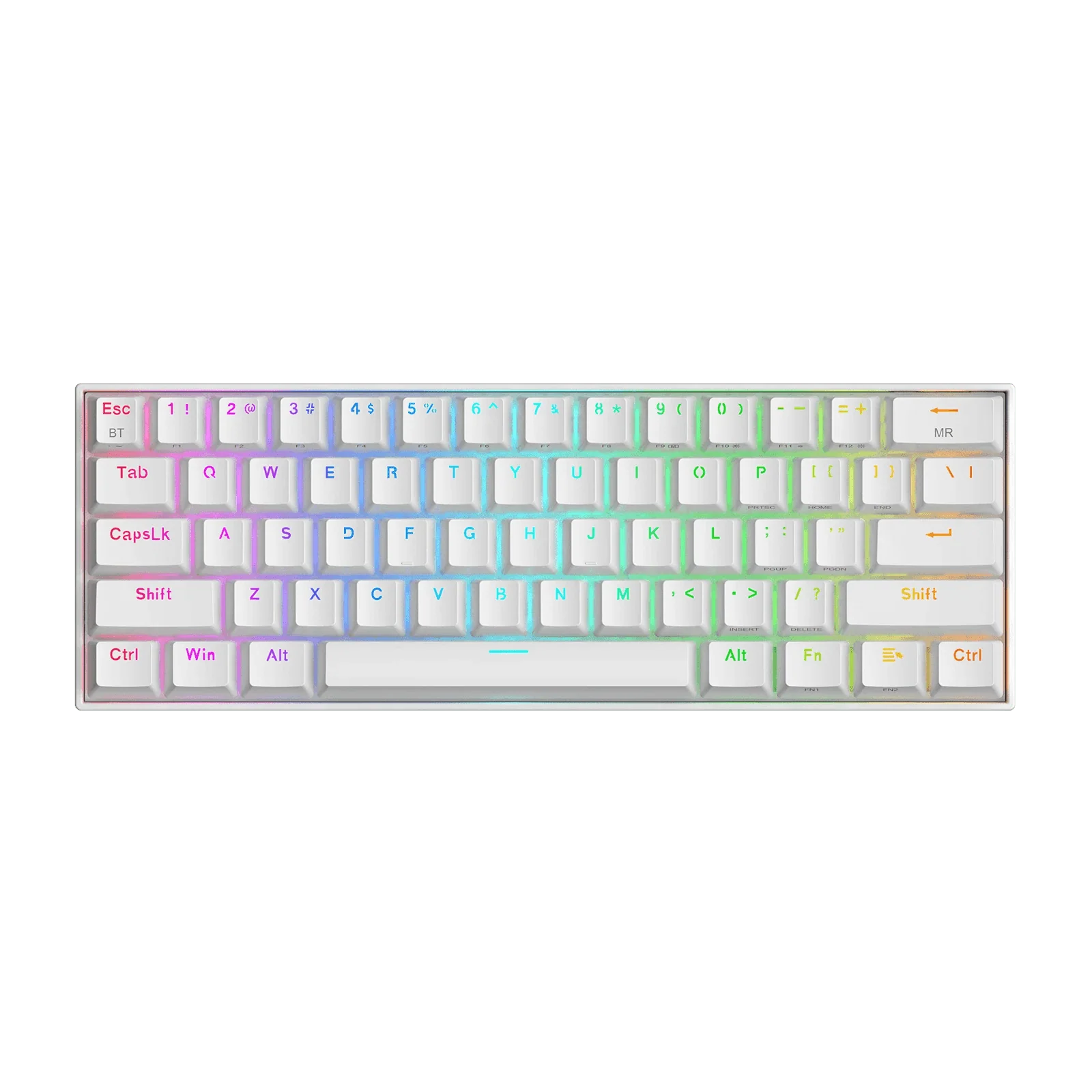
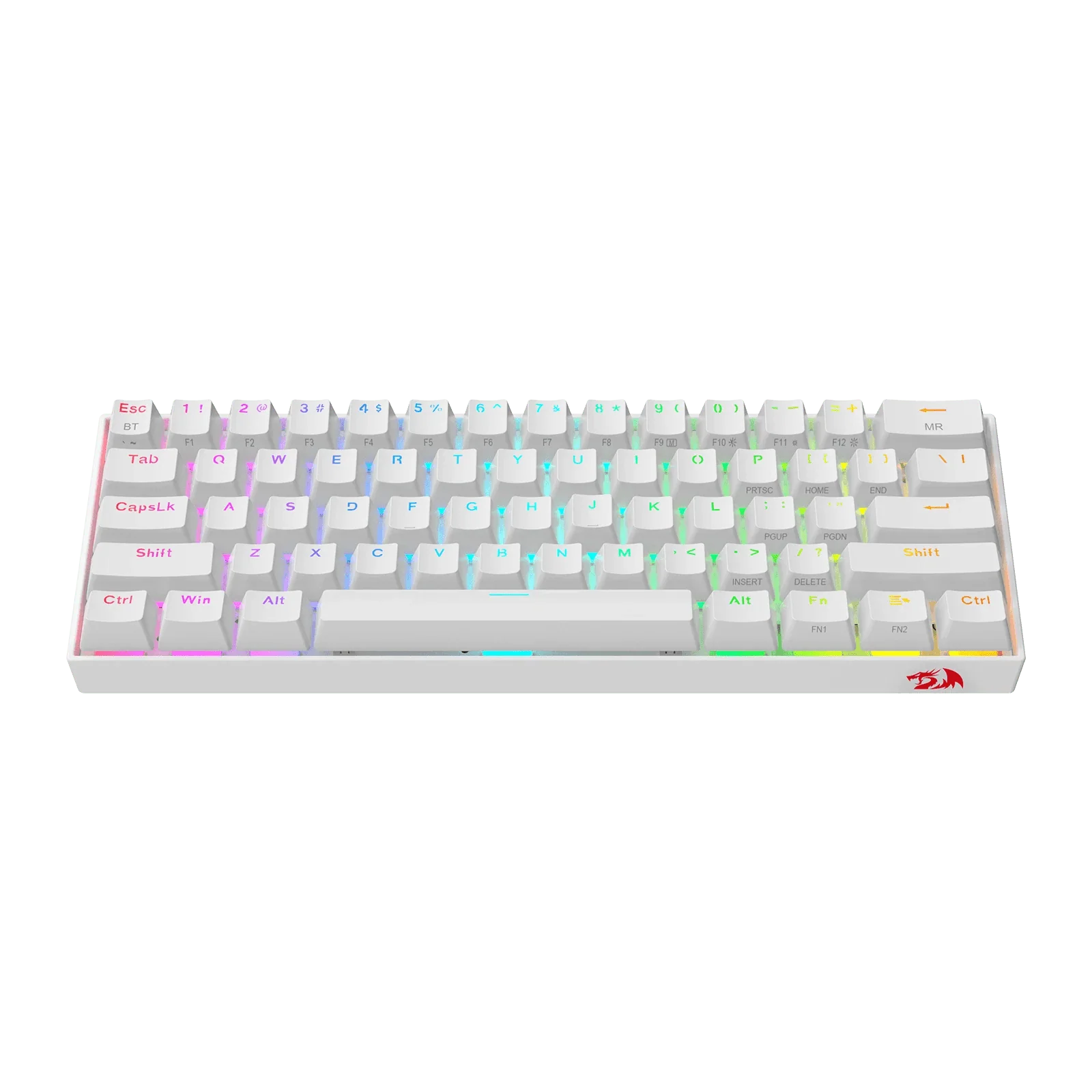
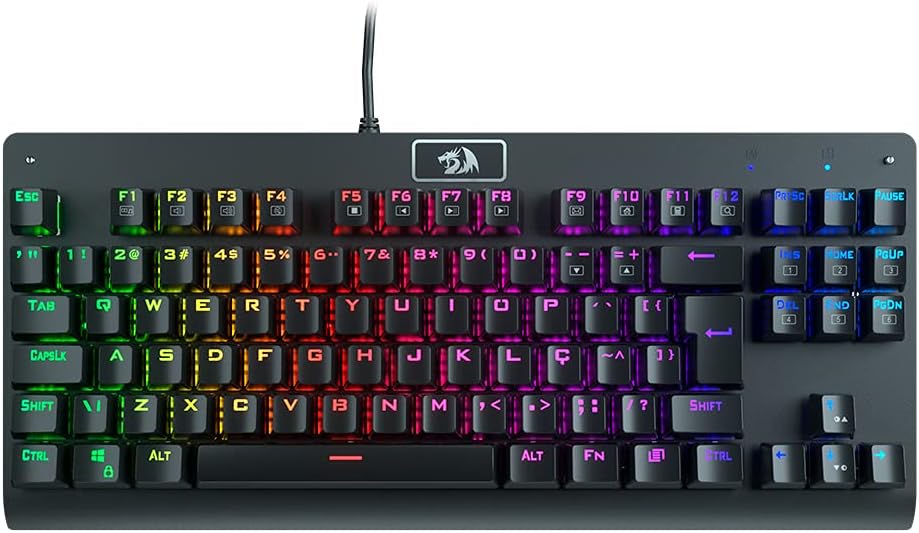
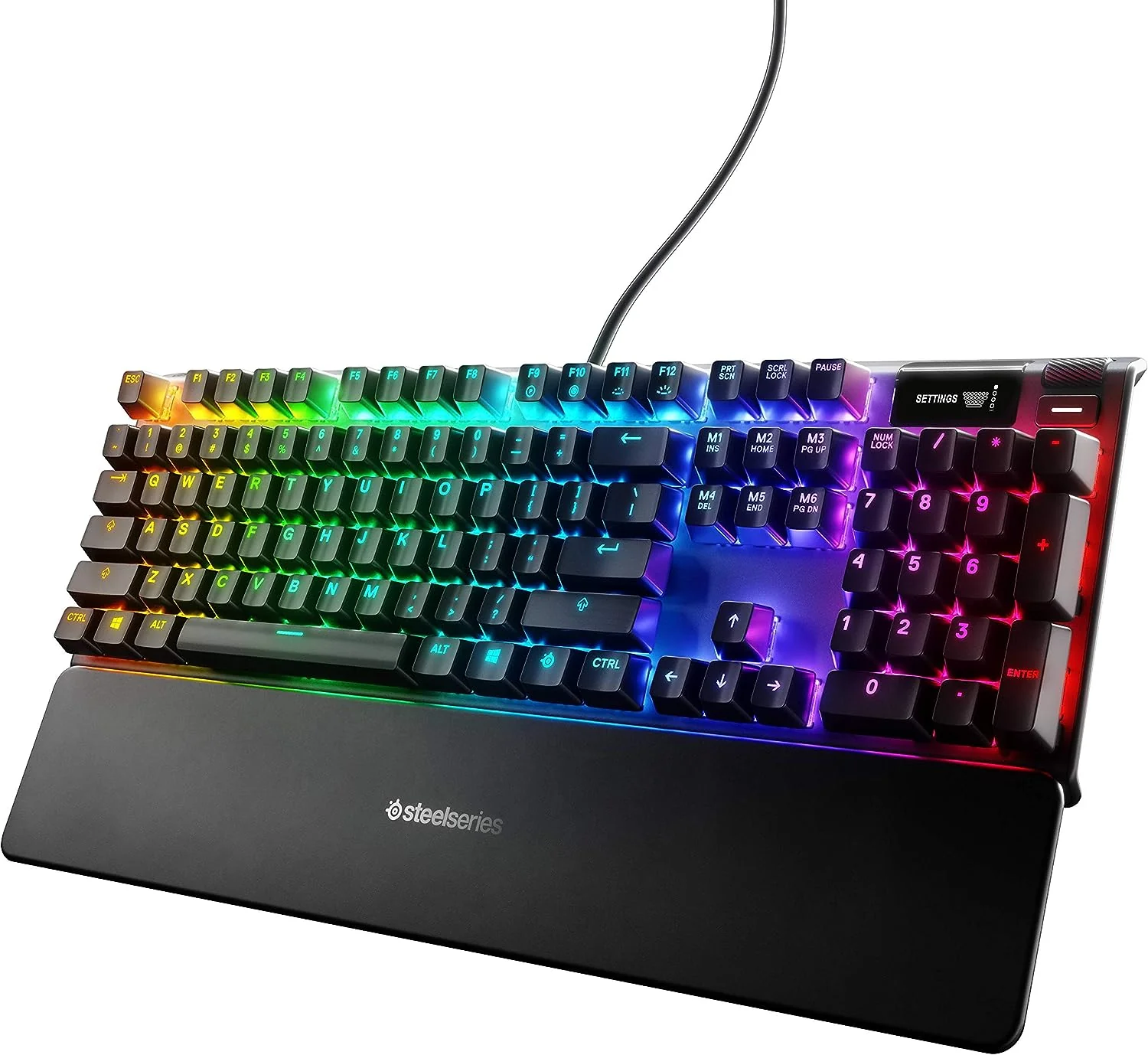
Redragon K708GG-RGB-PRO TKL Mechanical Gaming Keyboard – RGB Backlit, Hot-Swappable, Compact Tenkeyless

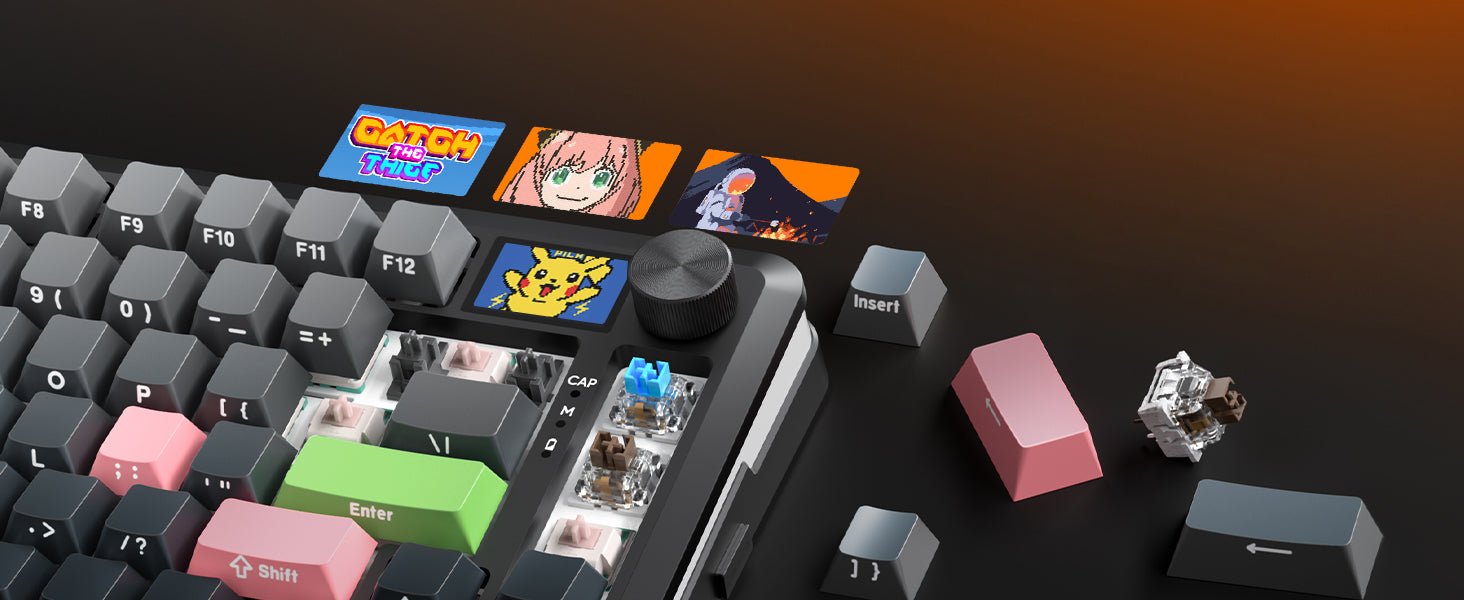
240*135mm Smart Screen, Get Information First
Let you know the connection mode keyboard status, Light effects, and other details

Main interface display

Backlight Light Effect Selection

Lighting color selection

Light brightness adjustment

Main interface display

Backlight Light Effect Selection

Lighting color selection

Light brightness adjustment
Control Your Keyboard with the Knob

Knob left and right to adjust the volume
- Push down and click the knob to turn to the menu.
- Rotate Left and Right to switch the screen, and click to confirm the function.




Product Information
Product Information
Shipping & Returns
Shipping & Returns
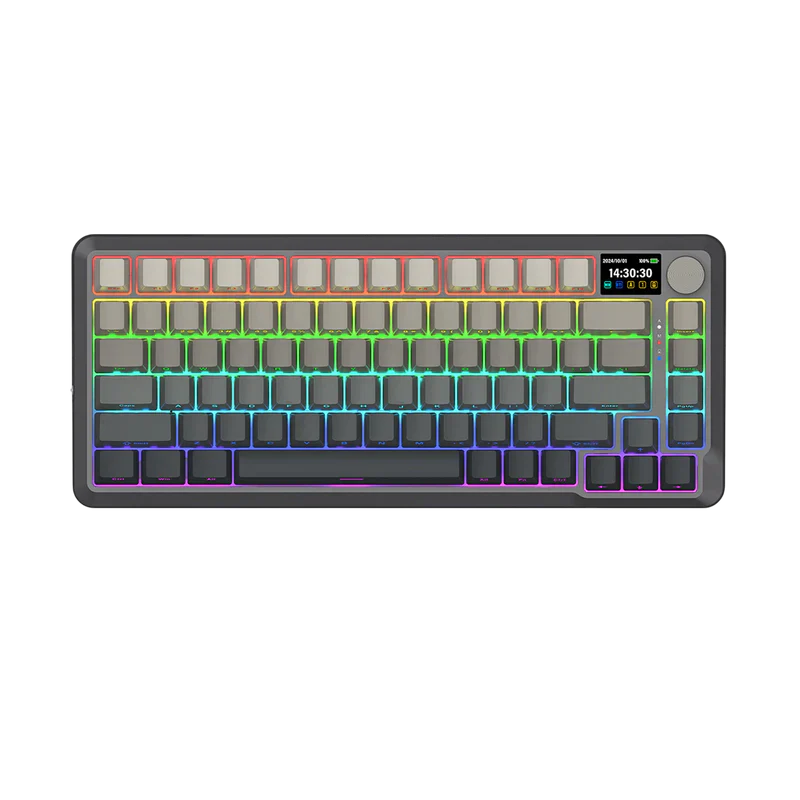
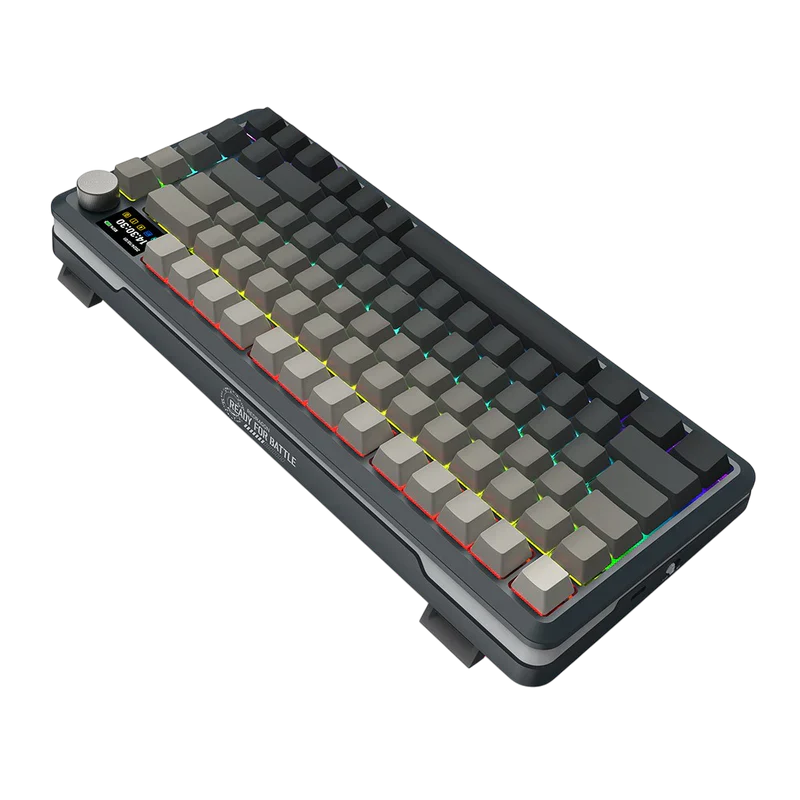


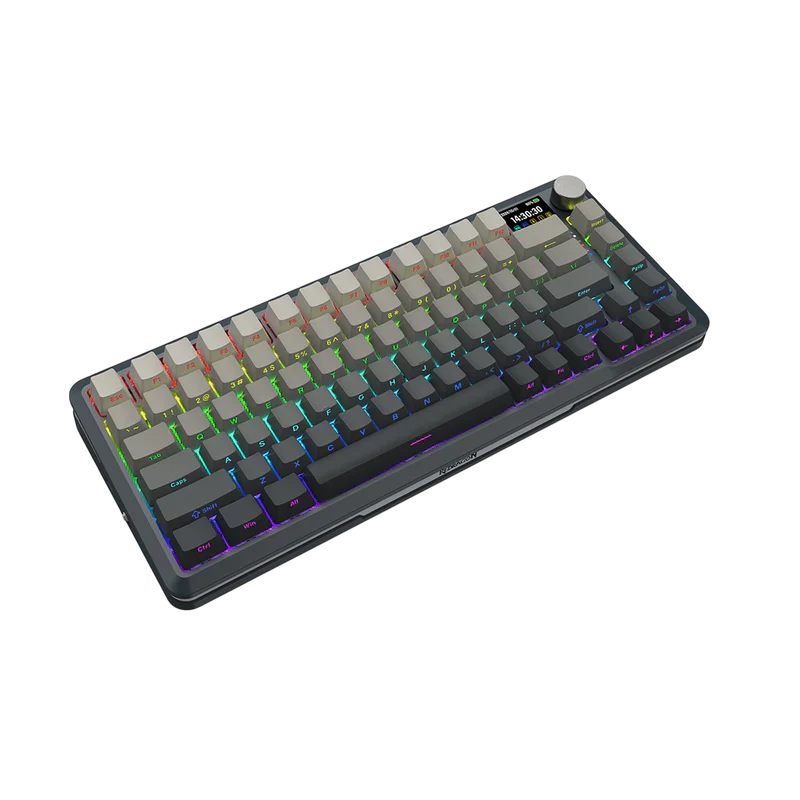

Redragon K708GG-RGB-PRO TKL Mechanical Gaming Keyboard – RGB Backlit, Hot-Swappable, Compact Tenkeyless
Redragon K708GG-RGB-PRO TKL Mechanical Gaming Keyboard – RGB Backlit, Hot-Swappable, Compact Tenkeyless
240*135mm Smart Screen, Get Information First
Let you know the connection mode keyboard status, Light effects, and other details
Main interface display
Backlight Light Effect Selection
Lighting color selection
Light brightness adjustment
Main interface display
Backlight Light Effect Selection
Lighting color selection
Light brightness adjustment
Control Your Keyboard with the Knob
Knob left and right to adjust the volume
- Push down and click the knob to turn to the menu.
- Rotate Left and Right to switch the screen, and click to confirm the function.
Original: $86.44
-65%$86.44
$30.25Product Information
Product Information
Shipping & Returns
Shipping & Returns
Description
240*135mm Smart Screen, Get Information First
Let you know the connection mode keyboard status, Light effects, and other details
Main interface display
Backlight Light Effect Selection
Lighting color selection
Light brightness adjustment
Main interface display
Backlight Light Effect Selection
Lighting color selection
Light brightness adjustment
Control Your Keyboard with the Knob
Knob left and right to adjust the volume
- Push down and click the knob to turn to the menu.
- Rotate Left and Right to switch the screen, and click to confirm the function.